Recognition Software Integration Data Flow Checklist
Map recognition events from send to report with a practical checklist for data ownership, caps, KPI approvals, and OKR links.
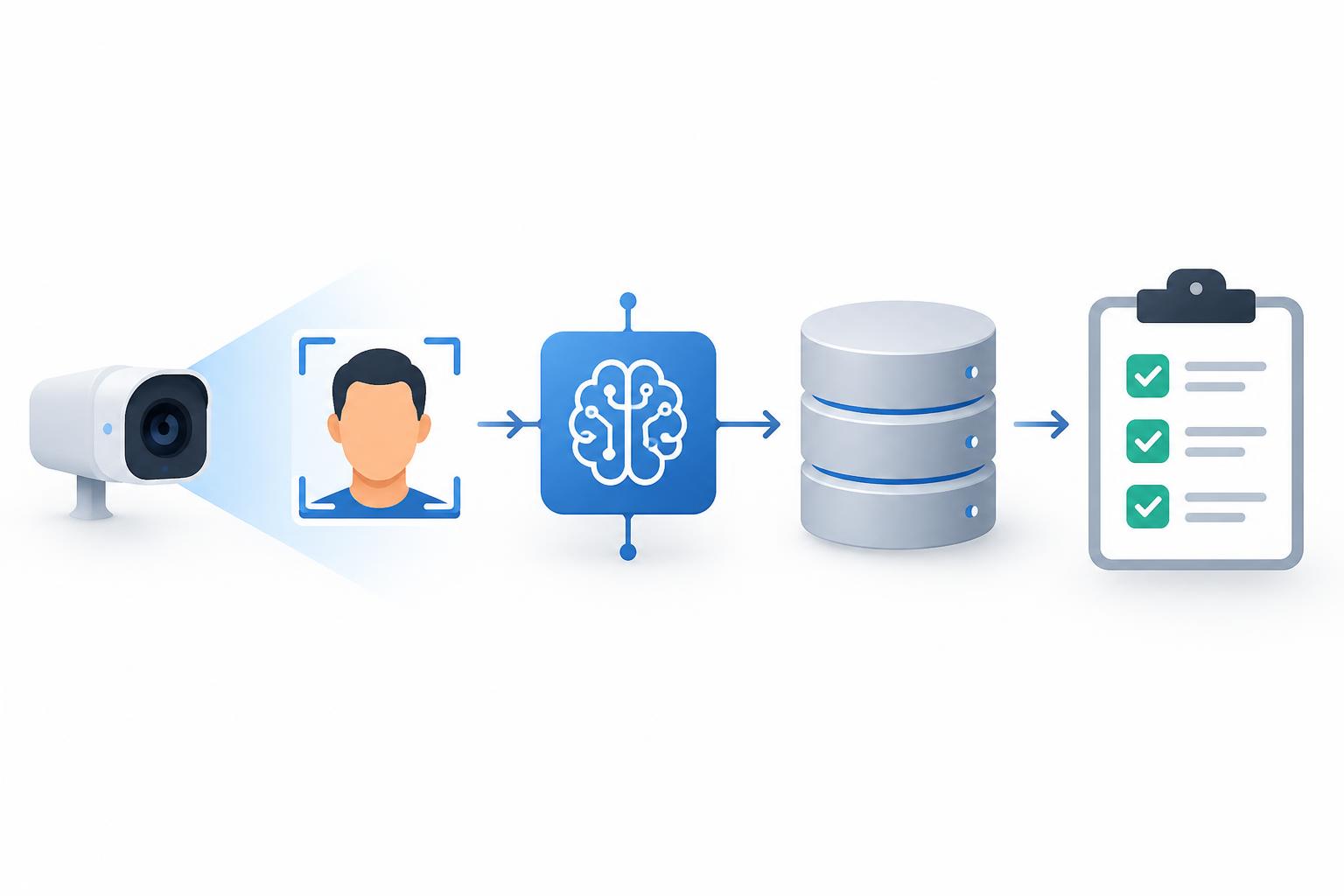
Start with the event, not the dashboard
“Does it integrate?” is the wrong first question. Start with a thank-you. When someone recognizes a colleague, that action should create a structured record: giver, receiver, Company Value tag, weight, points, timestamp, and cap outcome. If that record is vague, every downstream dashboard inherits the vagueness.
Wudd treats recognition as the primary write surface. Its recognition graph is the shared data layer beneath Connect, and each recognition carries a tagged Company Value, a weight, and per-giver and per-receiver caps. Structured fields, not free-text NLP, become culture analytics (Recognition Graph). Use that shape as your test: structured at the source, useful downstream.
This recognition software integration data flow checklist covers event capture, KPI approval, OKR reporting, rejected events, late data, and access.
1. Name one source of truth for each object
List every object in the flow: person, recognition event, badge, KPI result, OKR, approval, and objective link. For each, record the owning system, stable ID, who can edit it, and when it becomes final.
Do not key people by display name or email alone. Decide how you handle leavers, manager changes, and team transfers. If recognition arrives after someone leaves, does it still count? Who can see it? Write that answer down before launch.
2. Define the recognition payload
At minimum: event ID, giver ID and receiver ID, Company Value tag, weight, points, timestamp, source surface, cap outcome, and message.
The message gives context. It is not your analytics field. The Value tag is. If a tag is optional, define what missing means: block the event, queue it for review, or route it to an untagged bucket. Pick one rule and enforce it.
3. Enforce caps and eligibility at write time
A cap that runs after analytics is a report, not a control. Wudd documents a five-layer cap stack: per giver weekly, per receiver monthly, per Value monthly with overrides, per receiver daily on manual recognition, and value-level period caps with per-receiver sub-caps. It runs server-side and rejects at the request layer with abort(422) (Recognition Graph).
Apply the same principle in your flow:
- Who is eligible to give recognition?
- Who is eligible to receive it?
- What are the daily, weekly, and monthly limits?
- What error does the sender see?
- Are rejected attempts logged with a reason?
Log rejects without turning them into accepted events. A rejected event should not reappear in a nightly total.
4. Separate culture signals from business results
Recognition can show how values are being practiced. It cannot measure every business result. Wudd’s model keeps those paths distinct: culture KPIs are calculated from recognition activity; business results enter through custom KPIs where an owner reports each period’s result and another person reviews and approves it. Approved custom KPIs and eligible Control Room metrics can then be linked to company objectives (Wudd).
Build two labeled pipelines:
- Recognition event → Value tag → culture KPI
- Business result → owner report → reviewer approval → approved KPI → objective
Do not mix them without labels. Treat missing data as a visible state, not as zero.
5. Map badges to OKRs with one progress rule
Badge thresholds can be bound to OKR key results. Hit the badge, hit the key result. That is clean when the badge is the measure. It gets messy when the same achievement also arrives as a manual KPI result.
Write a mapping table: badge ID, key result ID, threshold, reporting period, evidence, and progress formula. Choose one progress rule per key result, or document the weighting if you combine sources. De-duplicate before you report, not after a reviewer questions the number.
6. Set cut-offs, time zones, and re-computation rules
Wudd recomputes culture KPIs nightly (Wudd). Whatever your cadence, define the cut-off time and time zone, how late events are handled, whether late events trigger a re-run, how long corrections are allowed, and when a snapshot becomes final.
If recognition lands at 23:59 and the job runs at 00:05, say which day it counts for. Snapshot approved results so a later edit cannot silently rewrite history.
7. Add review states to the flow
A reported number needs an owner and a reviewer. Build states into the process: draft, submitted, approved, rejected, reopened. Wudd records OKR outcomes as delivered, partially delivered, missed, or abandoned (Wudd). Your flow should answer who can approve a result, whether an approved result can be reopened, whether the audit trail is immutable, and whether a rejected result needs a new submission.
Keep the state visible in reports. A number without a reviewer is a rumor with a chart.
8. Set access by role, not convenience
Recognition messages can be personal. Decide who sees what: sender, receiver, manager, team, company, administrators. Do the same for KPI targets, OKR progress, exports, and admin logs.
Use least privilege. Limit bulk exports. Define retention. If free-text recognition appears in a broad dashboard, make sure that is the intended audience. Recognition should feel safe enough to be honest.
9. Test the exception paths before launch
Test valid recognition, over-cap recognition, missing Value tags, leavers, manager changes, badge thresholds, rejected KPI results, partial OKR delivery, late events, duplicates, cross-team tags, and export reconciliation. For each case, write the expected output and the owner.
Reconcile event counts from source to dashboard for one complete period. A clean demo is not a reconciled flow.
10. Monitor concentration and approval quality
Track acceptance and rejection rates, cap breaches by giver and receiver, untagged events, approval turnaround, and missing data. Check concentration too. Wudd wires a Gini-coefficient concentration check into Recognition Equity, Culture Momentum, and Team Stability widgets (Recognition Graph).
A recognition program can look healthy in total while flowing to a small group. Review the distribution monthly. Adjust caps, tags, and manager guidance based on evidence.
Copy-ready checklist
- One owner and stable ID per object
- Recognition payload fields defined
- Caps and eligibility enforced at write time
- Rejections logged with reasons
- Culture KPIs and business KPIs labeled separately
- KPI owner and reviewer states defined
- Badge-to-OKR mapping and de-duplication rule
- Nightly cut-off and time zone documented
- Late and corrected event policy
- Access rules by role
- Retention and export rules
- Exception tests passed
- Event counts reconciled
- Concentration reviewed monthly
Confirm connectors before you promise them
A data flow checklist is not a connector catalogue. Ask for written answers on named HRIS, payroll, and chat connections, API authentication, rate limits, webhook retries, export formats, identity provisioning, sandbox access, support, and pricing. Test the specific connection with your own data.
Recognition data can be well structured and still fail at the edge. Protect the core: clear ownership, honest caps, labeled measures, and reviewable results. Then confirm each connector on its own evidence.